ULDAGON_type.
# about
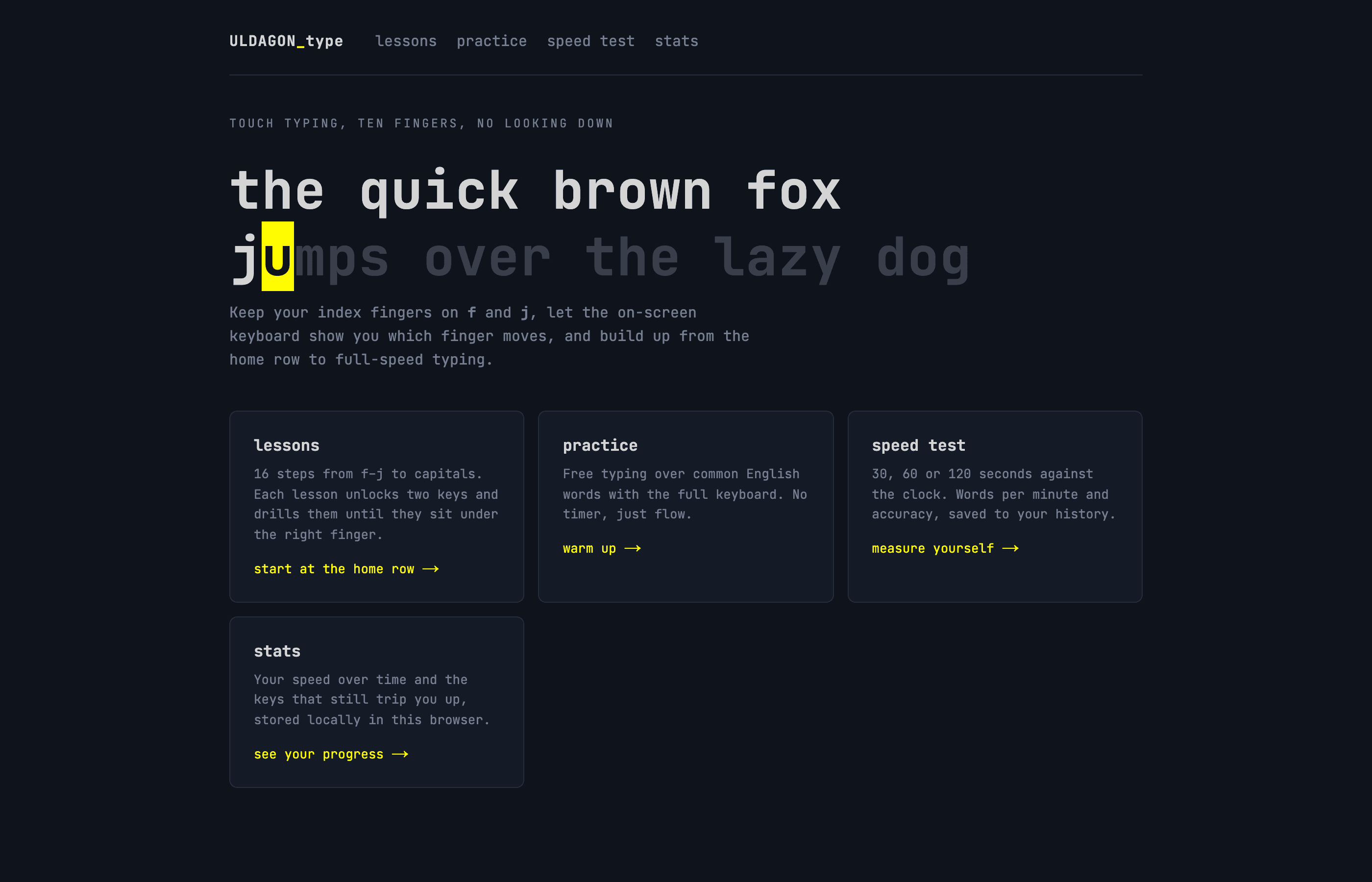
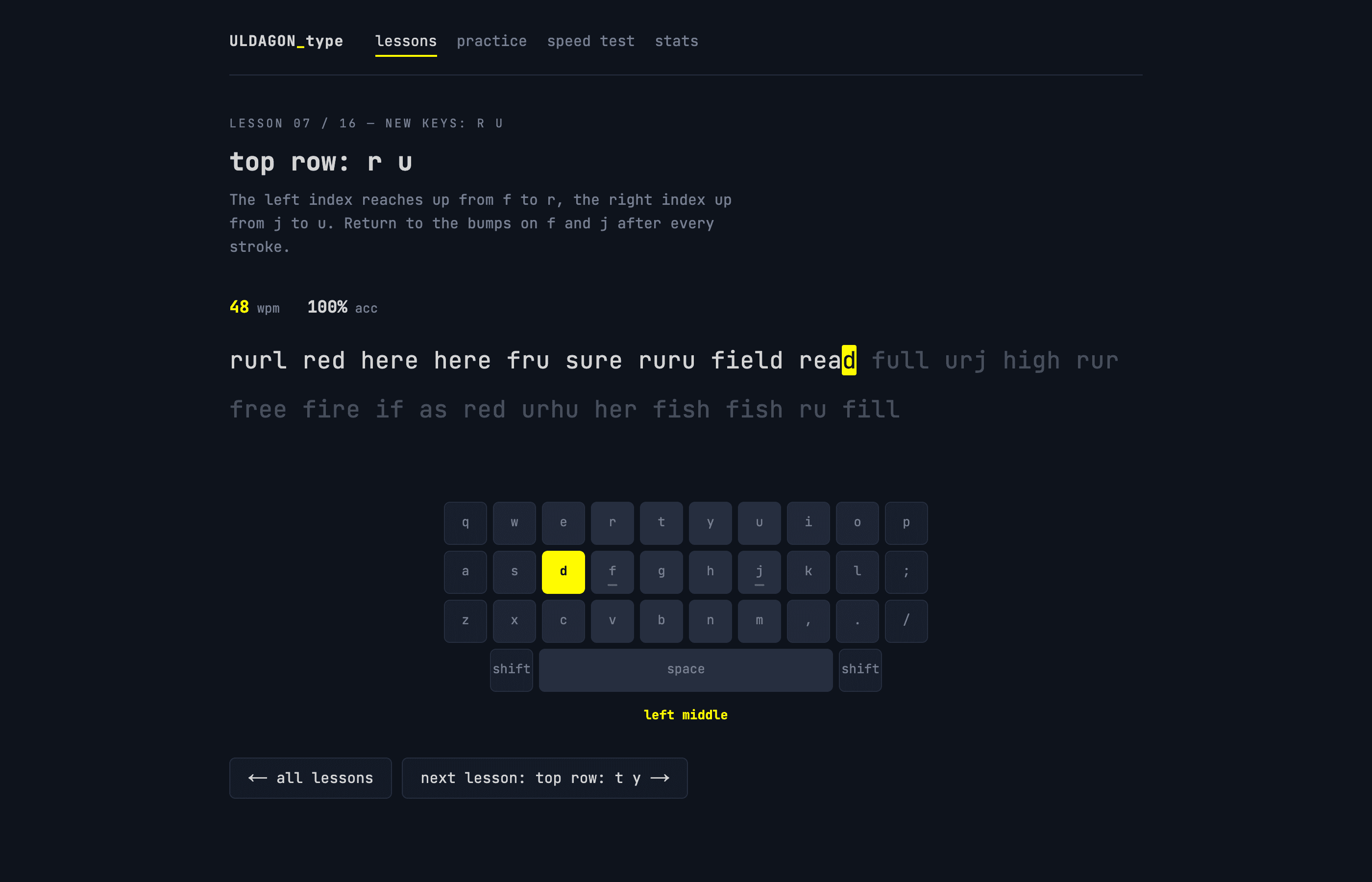
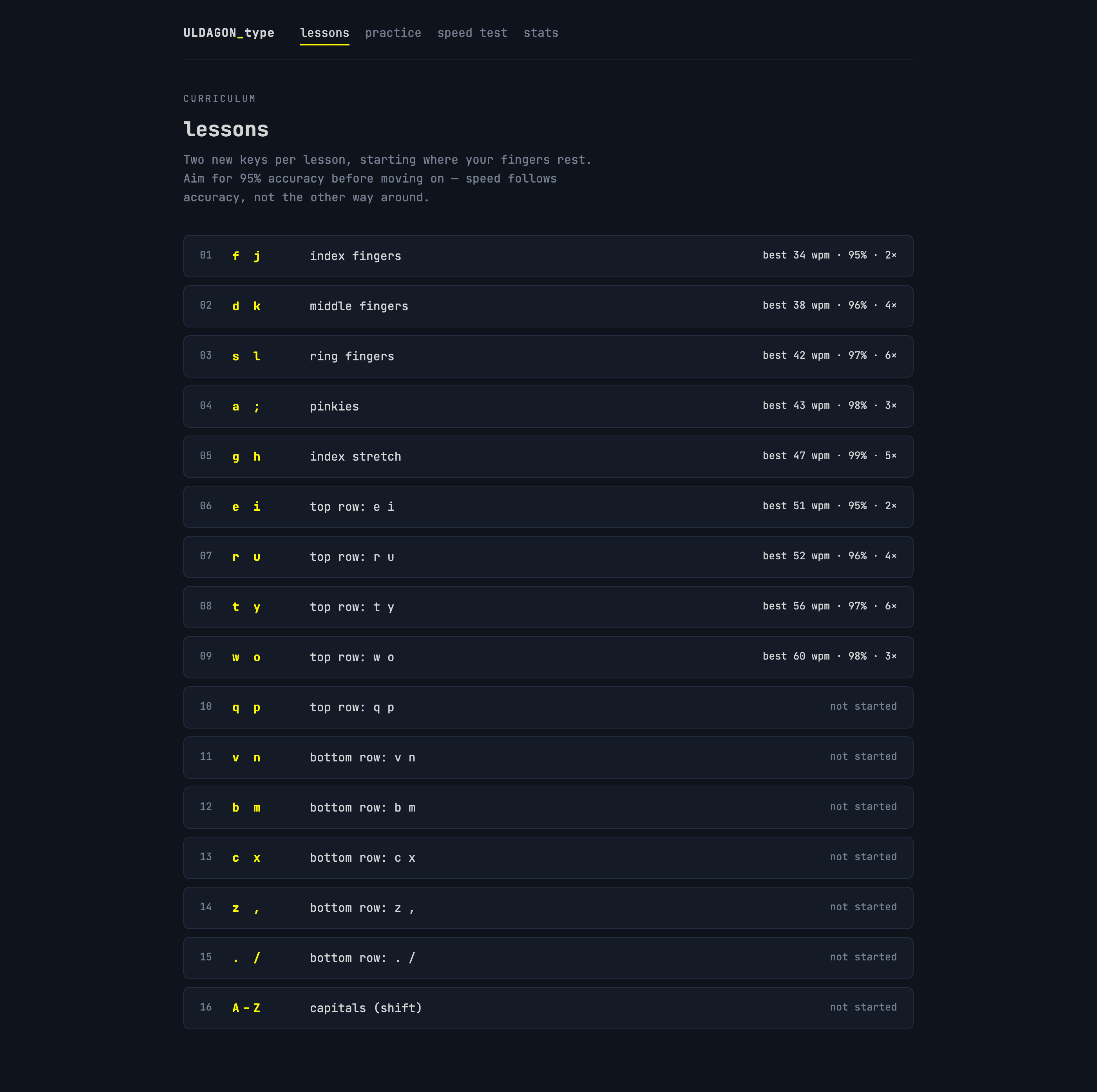
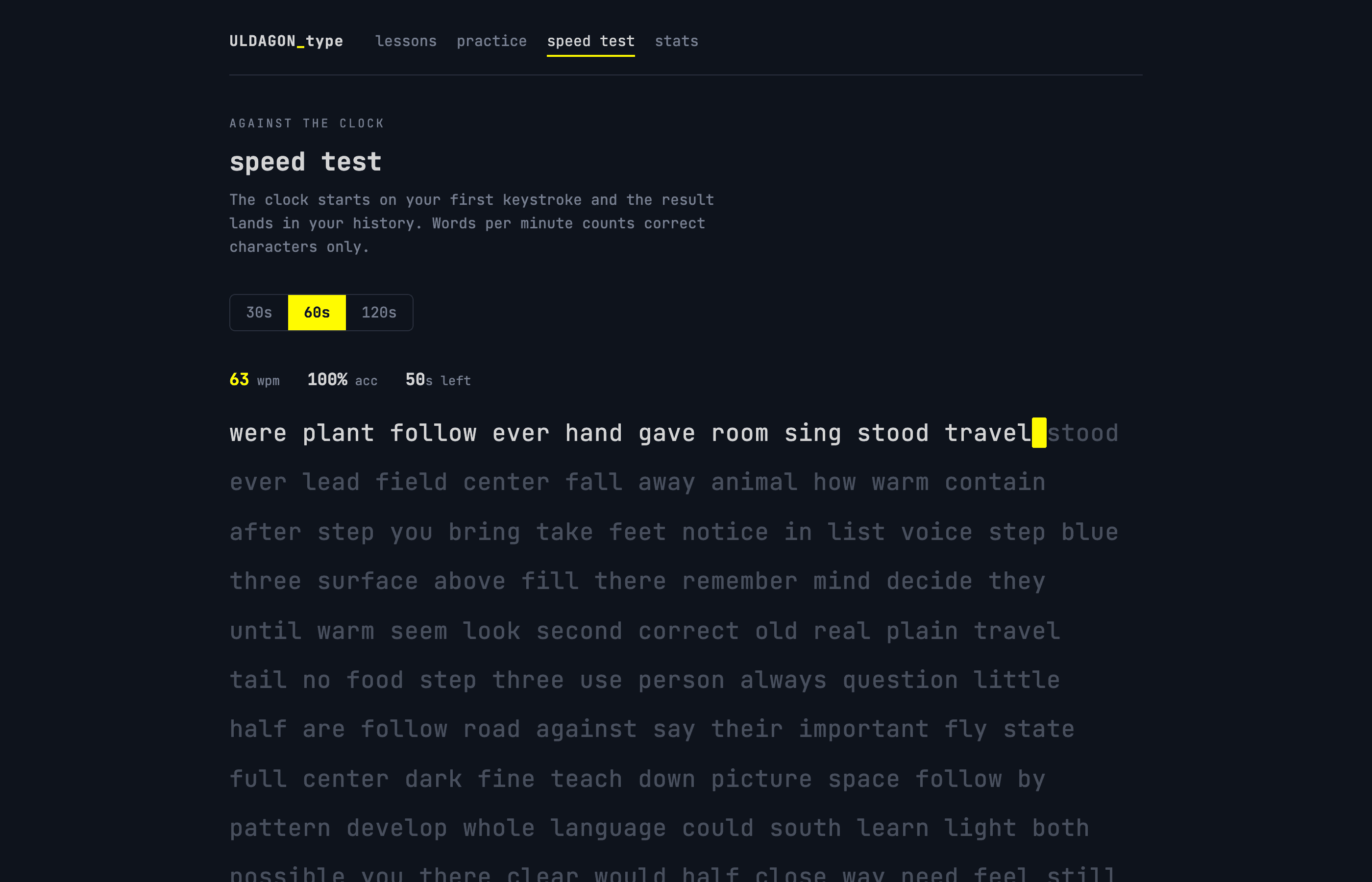
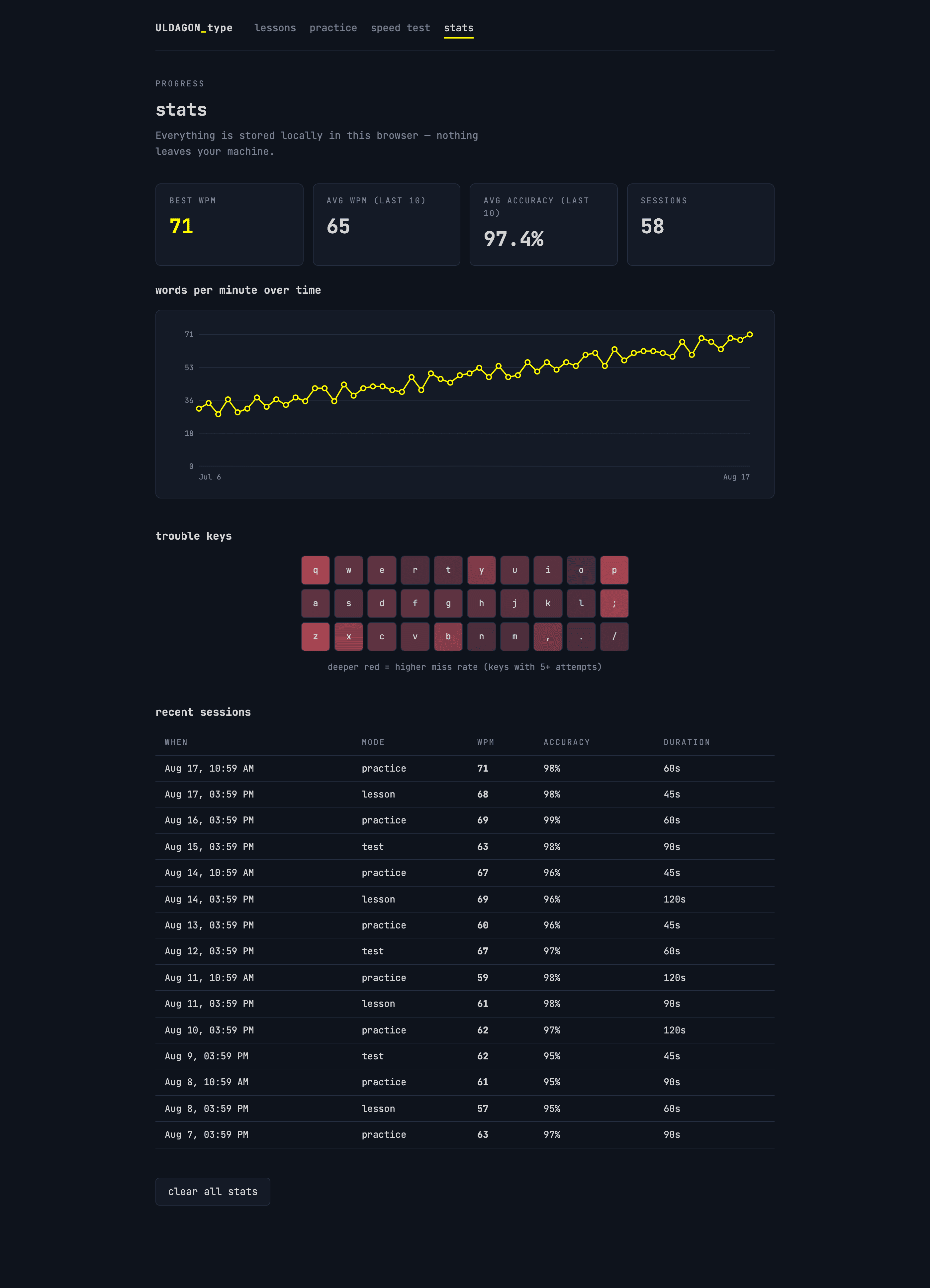
ULDAGON_type teaches 10-finger touch typing in the browser. Sixteen progressive lessons introduce two keys at a time, starting with the index fingers on the home row and working outward to capitals; an on-screen keyboard highlights the next key and names the finger that should hit it. The trainer is correction-free — a wrong key never advances the cursor, it flashes red and waits for the right one. Around the lessons sit a free practice mode over common English words, 30/60/120-second speed tests against the clock, and a stats page with words-per-minute over time, a per-key miss-rate heatmap, and your session history. Everything is stored in localStorage — nothing leaves the browser.
# links
- type.uldagon.com — try it in your browser
- github.com/ULDAGON/type
# showcase